Short answer: no, a magnetic mount will not damage your phone. Phones are full of magnets already. The speaker, the earpiece and the vibration motor all use them, and every iPhone from the iPhone 12 onwards carries a permanent ring of magnets behind the glass for MagSafe. What a magnet can affect is a short list of other things: some bank and key cards, the phone's compass, and, in rare cases, implanted medical devices. Here is each one, plainly.
Key takeaways
- Magnets do not wipe phone storage, photos or apps. Phones use flash memory, which magnets do not affect.
- Keep cards with a magnetic stripe away from the mount. Chip-and-PIN and contactless cards are far less sensitive, but there is no reason to test it.
- If you have a pacemaker or another implanted device, Apple's guidance is to keep the phone and MagSafe accessories at least 15 cm away from it.
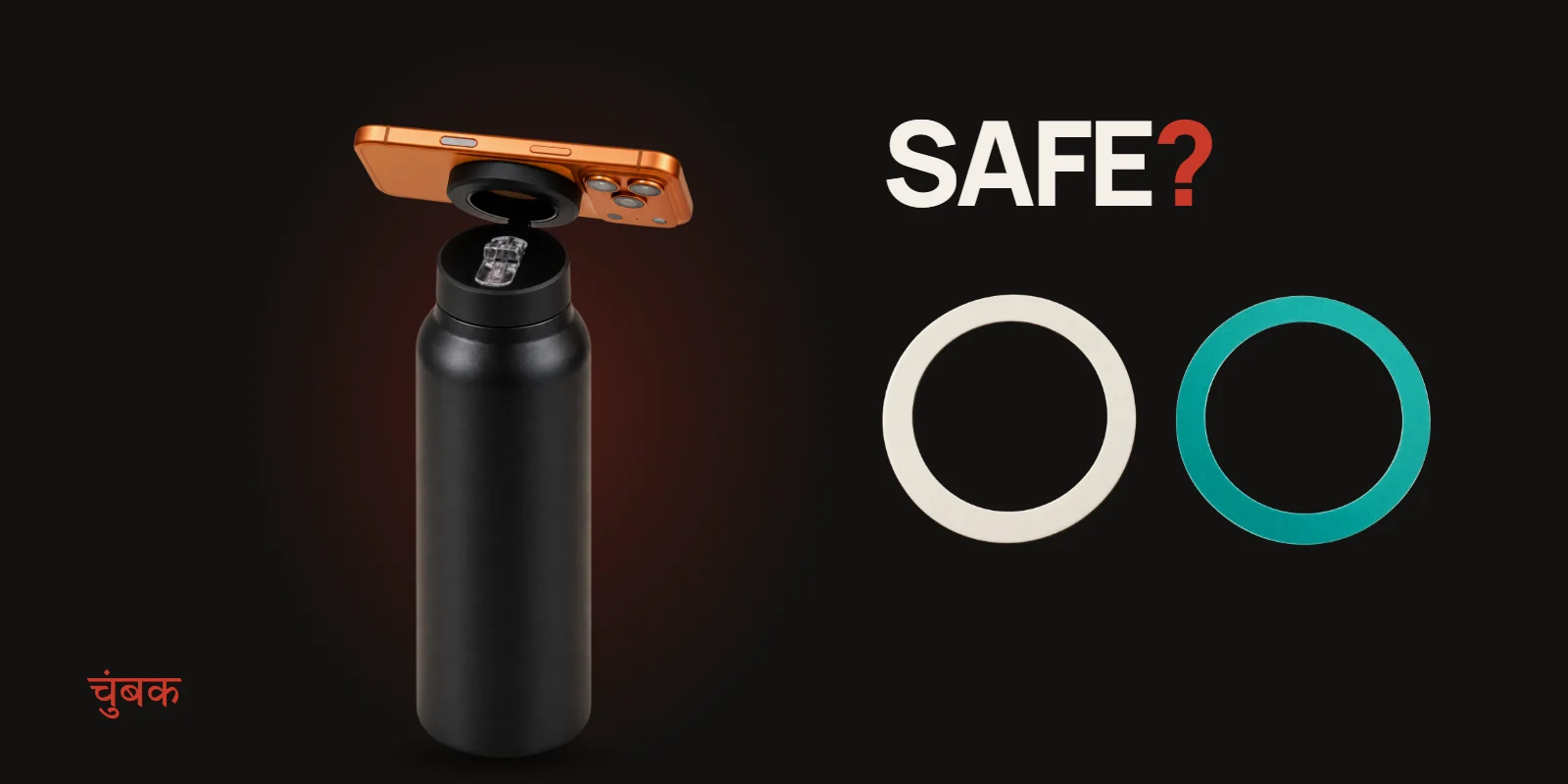
- The magnet in the illegalsoup bottle lives in the flip-up ring on the lid, so it is only near your phone when you choose to mount it.
Can a magnet wipe or damage my phone?
No. Old computers stored data on magnetic hard disks and floppies, which is where the "keep magnets away from electronics" rule comes from. A phone stores everything on flash memory, which works electrically, not magnetically, so a mount magnet cannot erase photos, apps or settings.
The screen, battery and charging port are not affected either. That is why Apple can build MagSafe magnets permanently into iPhones, and why magnetic car mounts, wallets and stands are sold by the million.
What about the camera?
This is the one real phone-side caveat, and it is about where the magnet sits. Apple's support article on magnetic accessories says that magnets placed right over the rear cameras can interfere with optical image stabilisation and autofocus, and recommends keeping magnetic accessories away from the camera area (Apple Support: Magnetic accessories may interfere with iPhone cameras, retrieved 2026-10-17).
A MagSafe mount grips the centre of the phone, below the camera bump, which is exactly where Apple designs the magnet ring to be. If you use the booster ring on an Android phone, stick it centred on the back and keep it clear of the camera module. How to place the booster ring on an Android phone covers the exact spot.
Will it demagnetise my bank cards?
It can affect some cards, so keep them apart. Apple warns against placing credit cards, security badges, passports or key fobs between an iPhone and a MagSafe charger, because the magnets can damage magnetic stripes and some chips (Apple Support: How to use your MagSafe Charger with iPhone, retrieved 2026-10-17).
In practice:
- Do not keep cards in a phone case slot that sits between the phone and the mount.
- Do not rest a hotel key card on the bottle lid. Hotel keys are often cheap magnetic-stripe cards and are the easiest to wipe.
- Modern Indian debit and credit cards use a chip and contactless antenna as well as a stripe. They are far less fragile, but the stripe is still there as a fallback, so the same rule applies.
Pacemakers and implanted medical devices
If you or someone who handles your phone has a pacemaker, defibrillator or another implanted device, follow the distance rule. Apple's guidance, based on what most medical device makers recommend, is to keep iPhone and MagSafe accessories at least 15 cm (6 inches) from the device, and at least 30 cm (12 inches) while charging wirelessly, and to ask your doctor and the device maker for specific advice (Apple Support: About potential interference with medical devices, retrieved 2026-10-17).
A bottle on a desk or a gym floor is normally well beyond that distance. Just do not carry the lid ring flipped up against your chest pocket.
The compass and maps
A strong magnet right next to the phone can confuse its compass for a moment, so a map may point the wrong way while the phone is mounted. It recovers when you take the phone off. If you are navigating, use the phone in your hand or in a car mount, not on the bottle.
How the illegalsoup bottle keeps the magnet where you want it
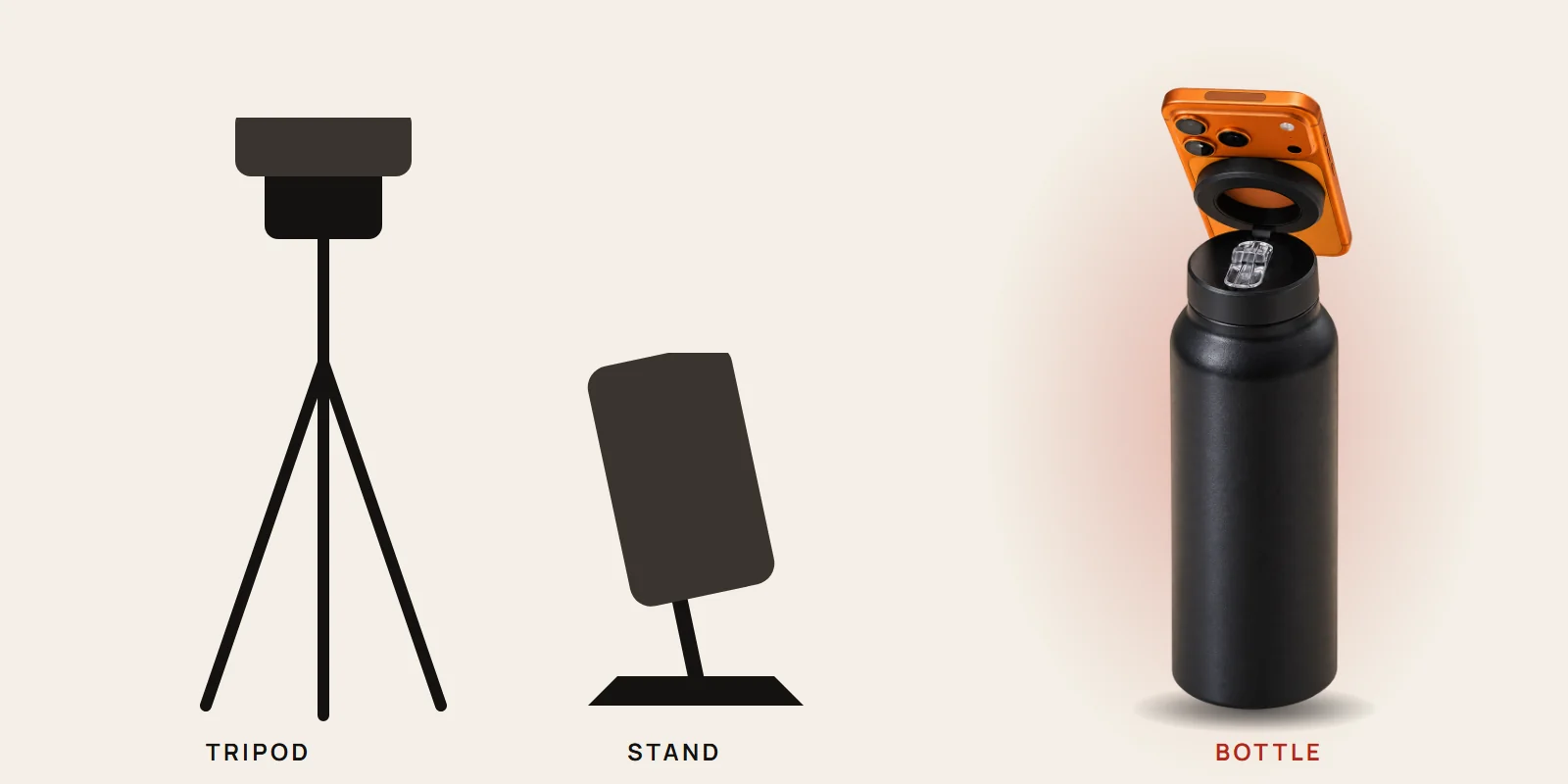
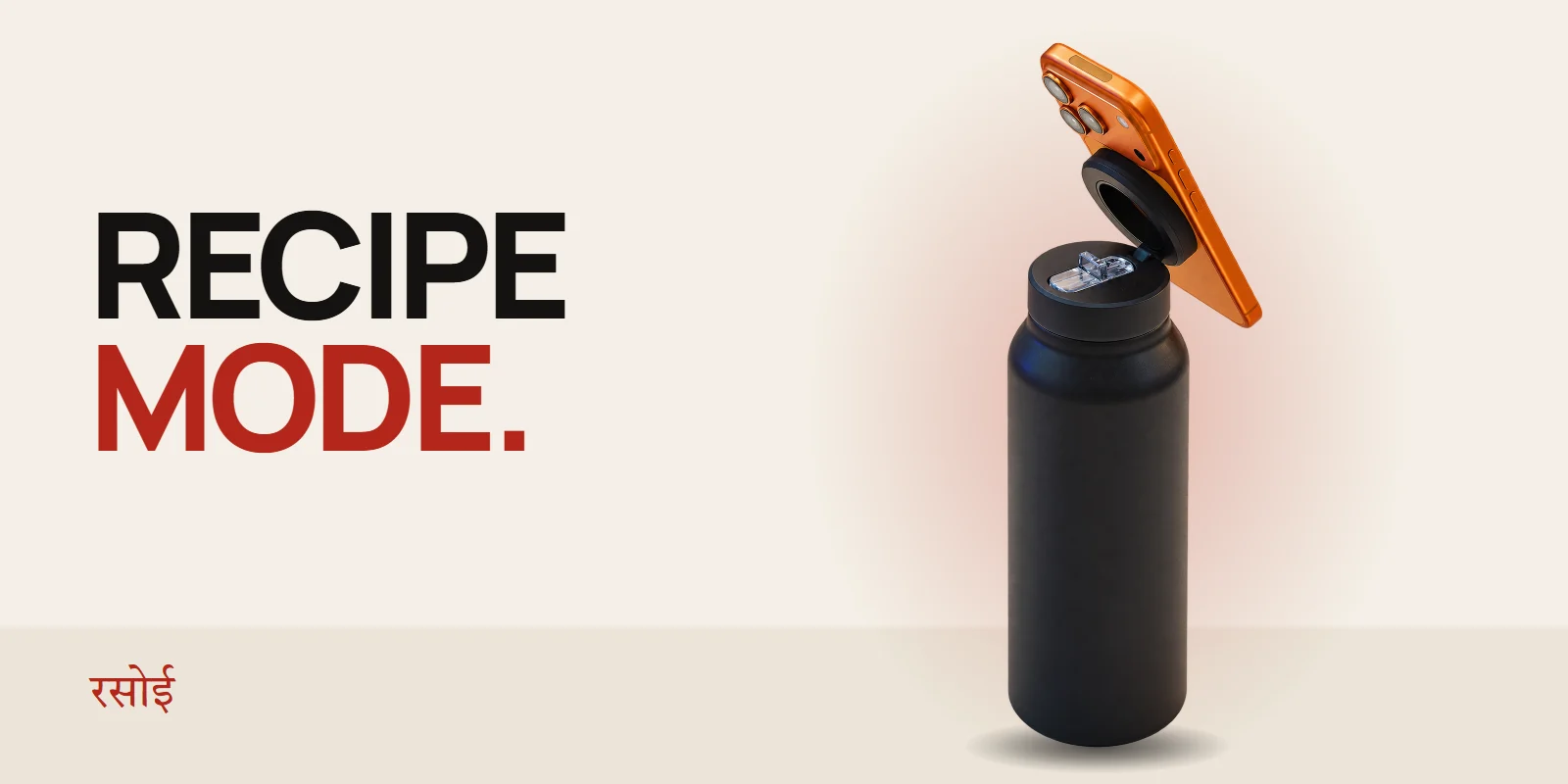
The magnet is built into a ring on the lid that flips up on a 180° hinge when you want to mount the phone and folds flat when you are done. Folded down, the ring sits on top of the closed lid, away from the straw and your hands. That design is deliberate: the magnet works when you need a stand and stays out of the way when you need a drink.
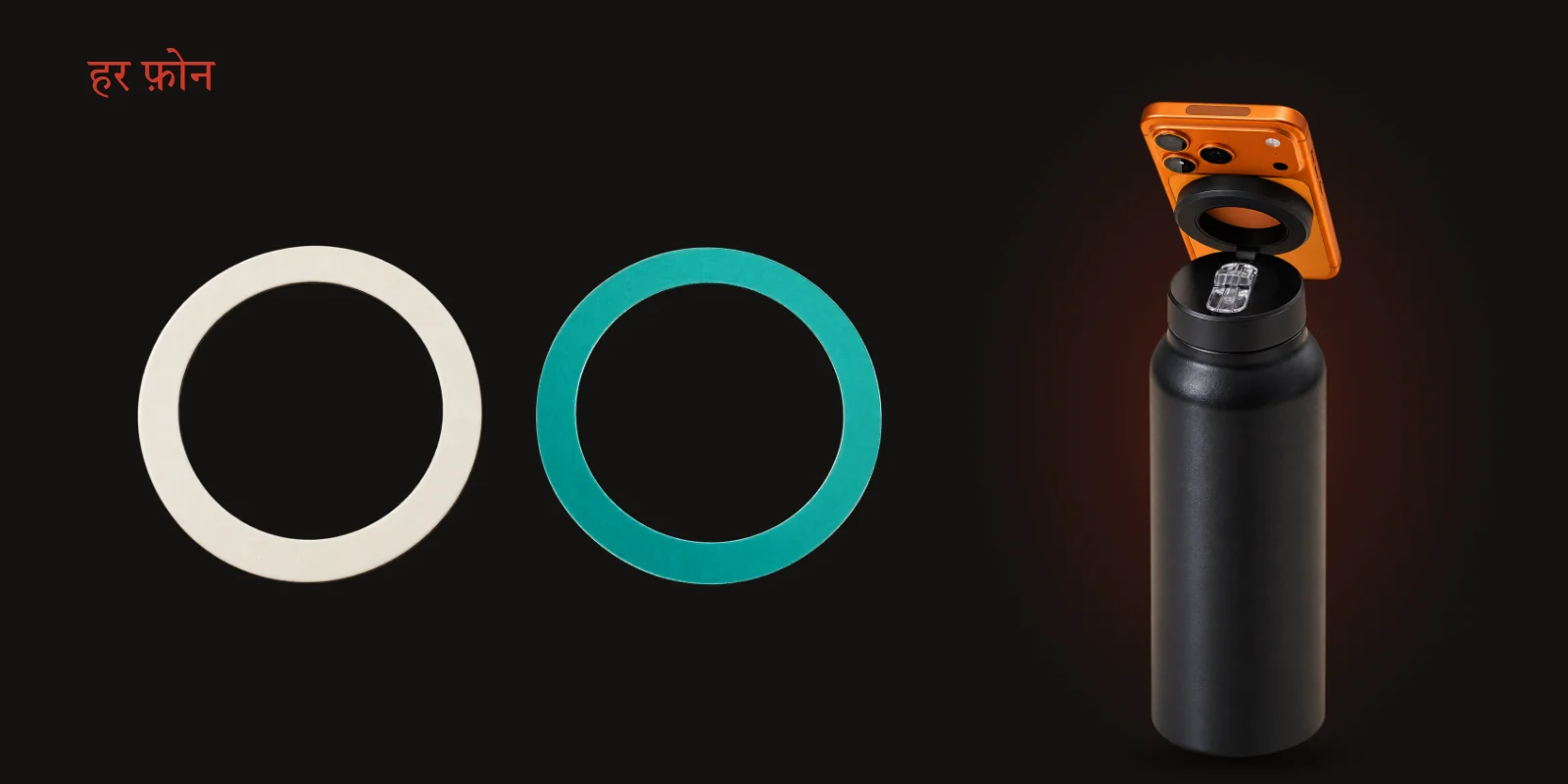
If your phone has no magnets, the bottle comes with a booster ring. It is only magnetic metal and adhesive. It has no battery, no electronics and nothing that can harm the phone.
Quick answers
Will a magnet drain my battery? No. Magnets do not draw or block power.
Does the mount slow down charging? The mount does not charge at all. If you charge wirelessly and use a booster ring, put the ring on a case so you can take it off to charge. Our Android and booster ring guide explains why.
Is it safe for kids' phones? Yes, with one rule: small loose magnets are dangerous if swallowed. The magnet in our lid is built into the ring, not a loose part, but treat the booster ring like any small object and keep it away from toddlers until it is stuck on.
Does it hold if the phone has a thick case? A MagSafe-compatible case passes the magnet through. A thick non-MagSafe case needs the booster ring stuck on the outside of the case.
Still unsure about your phone or case? The compatibility checker on the product page answers it in two taps.