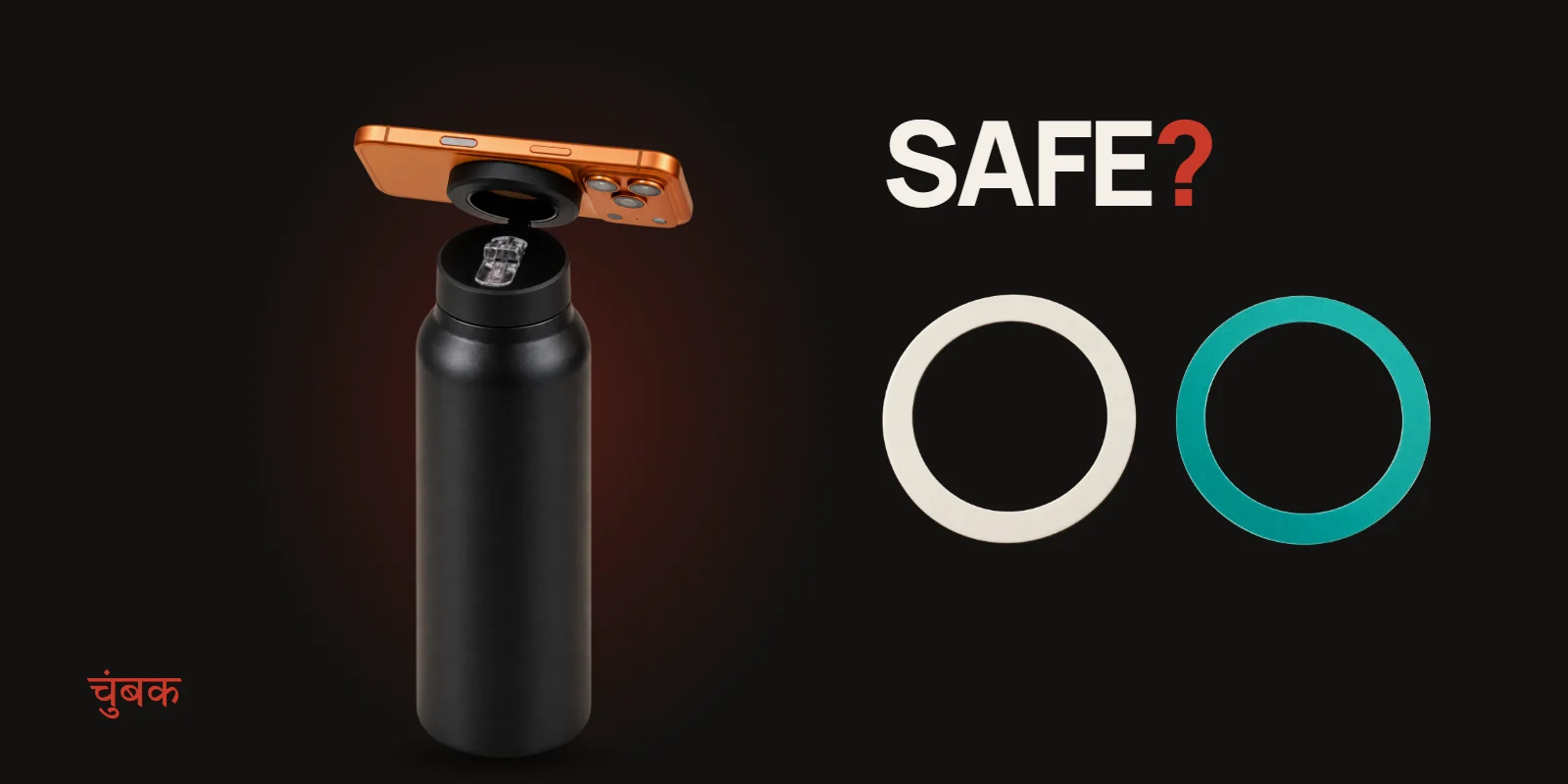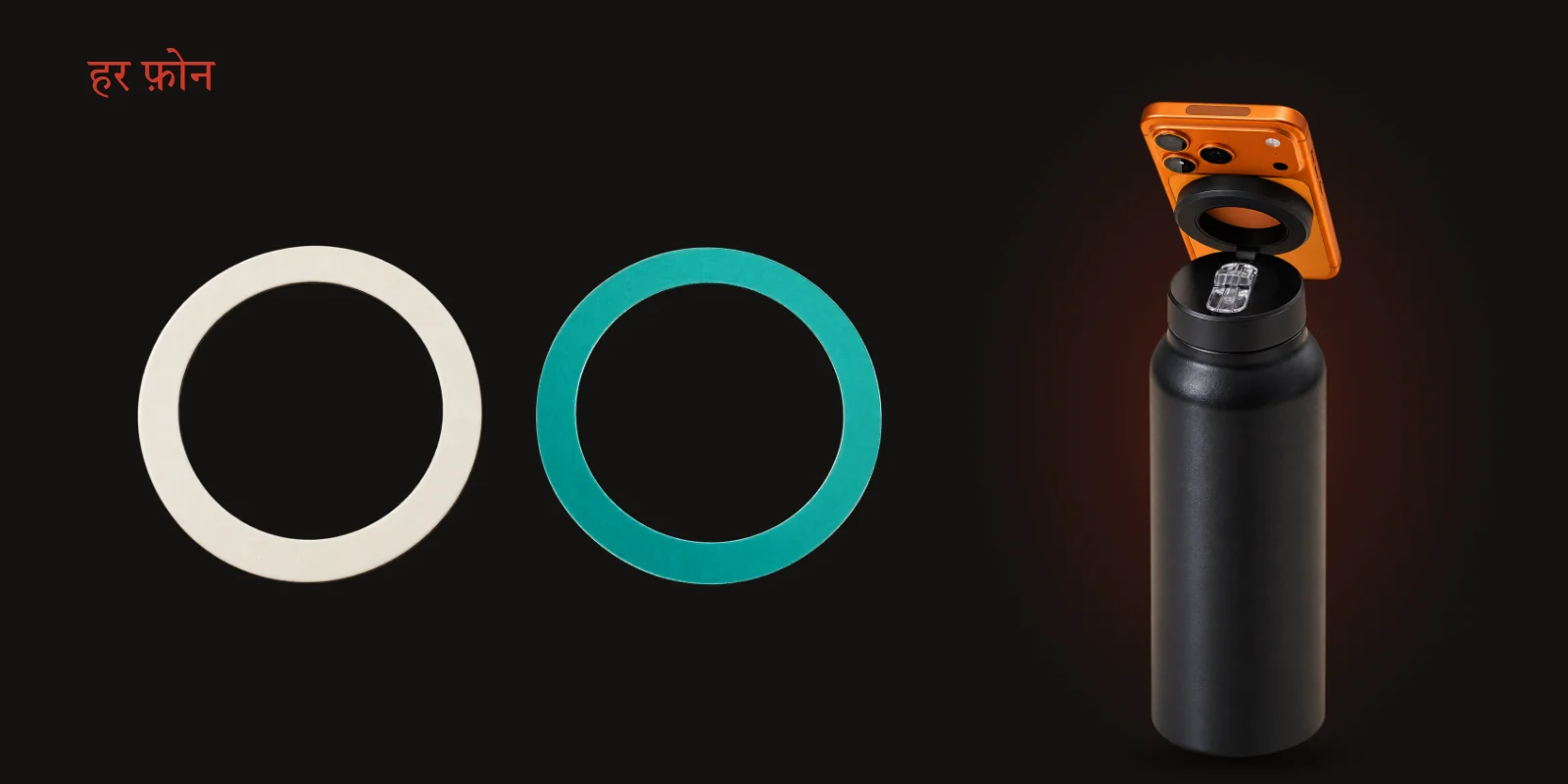
Short answer: yes. A MagSafe water bottle holds an Android phone just as well as an iPhone, as long as the phone has a magnetic ring on its back. Most Android phones do not come with one, which is why every illegalsoup bottle ships with a magnetic booster ring in the box. Stick it on once and your phone snaps to the lid like any MagSafe iPhone.
This guide covers what MagSafe actually is, what the booster ring does, where to put it, how to make it stay put, and the one trade-off worth knowing before you peel the liner.
What MagSafe actually is
MagSafe is Apple's name for a ring of magnets built into the back of every iPhone from the iPhone 12 onwards. The magnets sit in a circle behind the glass, with a short extra magnet underneath the circle that keeps accessories lined up the right way round. Chargers, wallets, car mounts and our bottle lid all grip onto that ring.
Two iPhones are the exception: the iPhone SE and the iPhone 16e do not have MagSafe magnets, so they need the booster ring just like an Android phone.
Android phones generally have no magnets in the back at all. A few recent models support the newer Qi2 charging standard and are designed to work with magnetic cases, but the phone itself still needs something magnetic on the outside to grip a mount.
What the booster ring does
The booster ring is a thin ring of magnetic metal with strong adhesive on one side. Once it is stuck to the back of your phone, or to the back of your case, it gives the phone the same circular target a MagSafe iPhone has. The magnet in the bottle lid does the rest.
It does not need power, an app or pairing. It is simply metal in the right shape, in the right place.
Phone or case: where to stick it
You have two choices, and both work.
- On the case. This is what we recommend for most people. Your phone itself is never touched, you can swap the case later, and the phone goes back to normal the moment you take the case off.
- On the phone. Best if you never use a case. Stick it on clean glass or metal, centred on the back.
Avoid heavily textured, rubbery or soft-touch cases, fabric or leather folios, and wallet cases with a flap. Adhesive needs a smooth, flat surface to hold. A thin, hard, flat case is ideal.
How to stick it so it stays
The ring holds well when it goes onto a clean surface and is given a moment to bond.
- Clean the spot. Wipe the back of the phone or case with an alcohol wipe or a little rubbing alcohol on a cloth. Fingerprint oil is the main reason adhesives let go.
- Let it dry completely. A few seconds is enough for alcohol.
- Find the centre. Hold the phone the way it will sit on the mount and eyeball the middle of the back, below the camera bump. If the ring is badly off-centre the phone will hang crooked.
- Peel and press. Remove the liner without touching the adhesive, place the ring, then press firmly all the way round for about 30 seconds.
- Give it time. Adhesives keep bonding for a while after you press them. If you can, leave it for a few hours before you start snapping the phone on and off.
Using it with the bottle
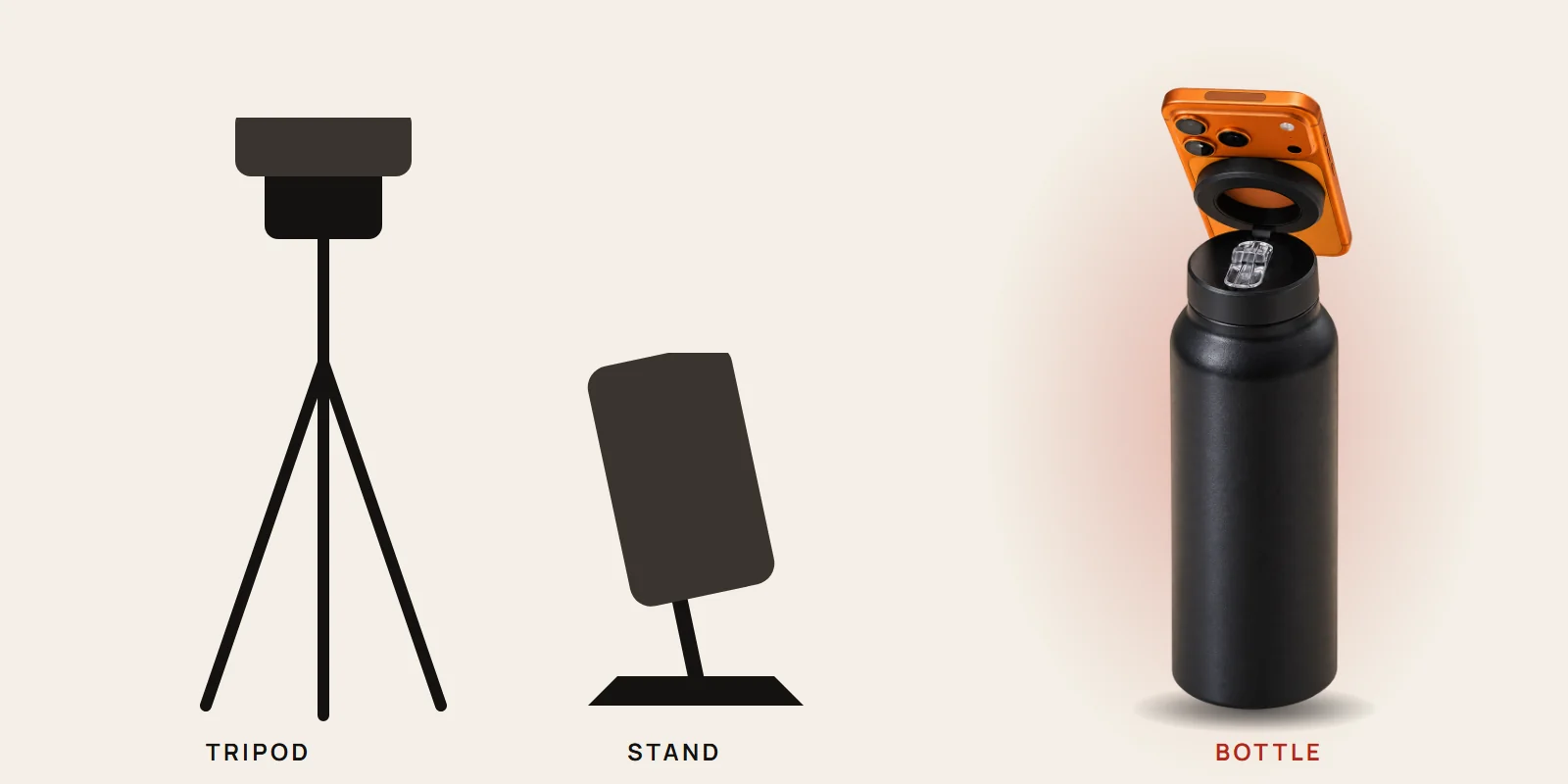
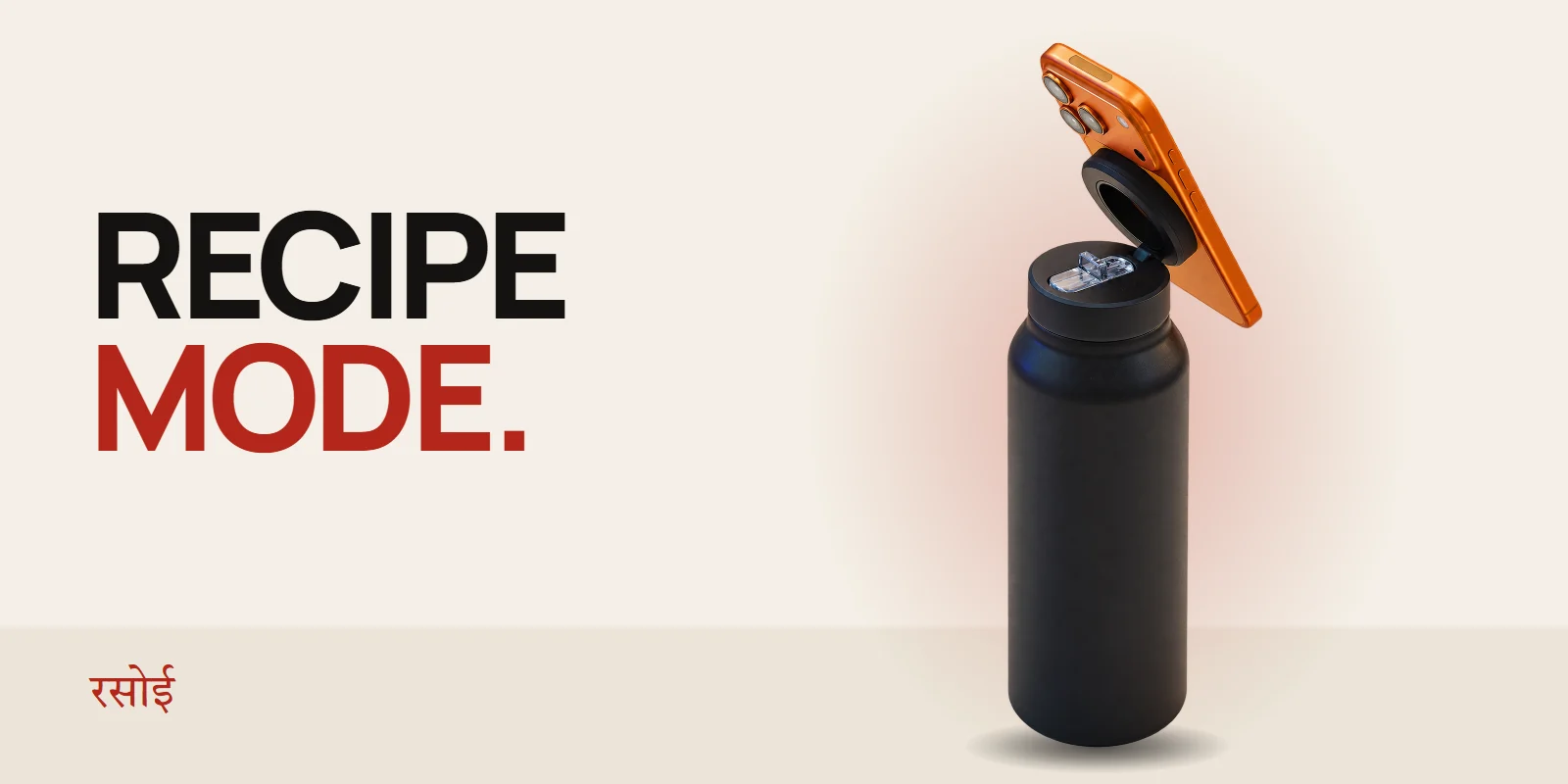
Once the ring is on, the bottle does not care what phone you have. Flip the ring on the lid up, bring the phone to it, the magnet pulls it into place, and you can turn it through a full 360° and tilt it on the 180° hinge. Portrait for a video call, landscape for a workout clip, angled down at the counter for a recipe.
A couple of habits help:
- Put the bottle on a flat, steady surface before you mount the phone.
- A nearly empty bottle is lighter, so keep it away from the edge of a bench or counter.
- Pull the phone off from the edge rather than straight out; it releases more easily.
The one trade-off: wireless charging
A metal ring stuck directly between your phone and a wireless charger can stop that charger from working properly, because the charger sees the metal in the way. If you charge wirelessly, put the booster ring on a case so you can slip the case off to charge. If you charge with a cable, it makes no difference.
This does not apply to MagSafe iPhones using their built-in magnets. The booster ring is only needed on phones that do not have them.
Quick answers
Will the magnet damage my phone? Phones are built to live next to magnets: MagSafe iPhones carry them permanently, and speakers inside every phone use them. Keep the lid away from bank cards and hotel key cards, which can be wiped by strong magnets.
Can I move the ring later? It is a one-time adhesive. You can peel it off, but it will not stick as well a second time and may leave residue. That is why the case is the better first choice.
Does it work with a pop-out grip on the back? Not at the same time. The grip sits exactly where the ring needs to go.
Which phones work? Any phone with a flat back, or a flat case, once the ring is on. Samsung, OnePlus, Pixel, Redmi, Vivo, OPPO, iQOO, Realme, Motorola and Nothing phones all work the same way.
If you are not sure about your exact phone and case, the compatibility checker on the bottle page answers it in two taps, or write to us with your model.