The best place for your phone while you cook is upright, at eye level or just below, about an arm's length away, on the side of the counter away from the stove and the sink. Most phone disasters in the kitchen come from the phone lying flat (you cannot see it), leaning on something (it slides), or sitting next to the gas (it overheats or gets splashed).
This guide covers the setup, the phone settings that save you from unlocking it with masala hands, and a few habits that keep the phone clean.
Key takeaways
- Stand the phone up and tilt it back slightly, so you can read it from where you chop.
- Keep it away from the burner and the sink. Heat and steam are worse for a phone than a little flour.
- Turn off auto-lock for the session, or use voice commands, so you never touch the screen with wet hands.
- Download the recipe video before you start, so buffering does not leave you guessing mid-tadka.
Where to put the phone
Upright, not flat. A phone lying on the counter faces the ceiling. You end up leaning over it, and it is in the way of every spill. Standing it up turns it into a small screen you can glance at.
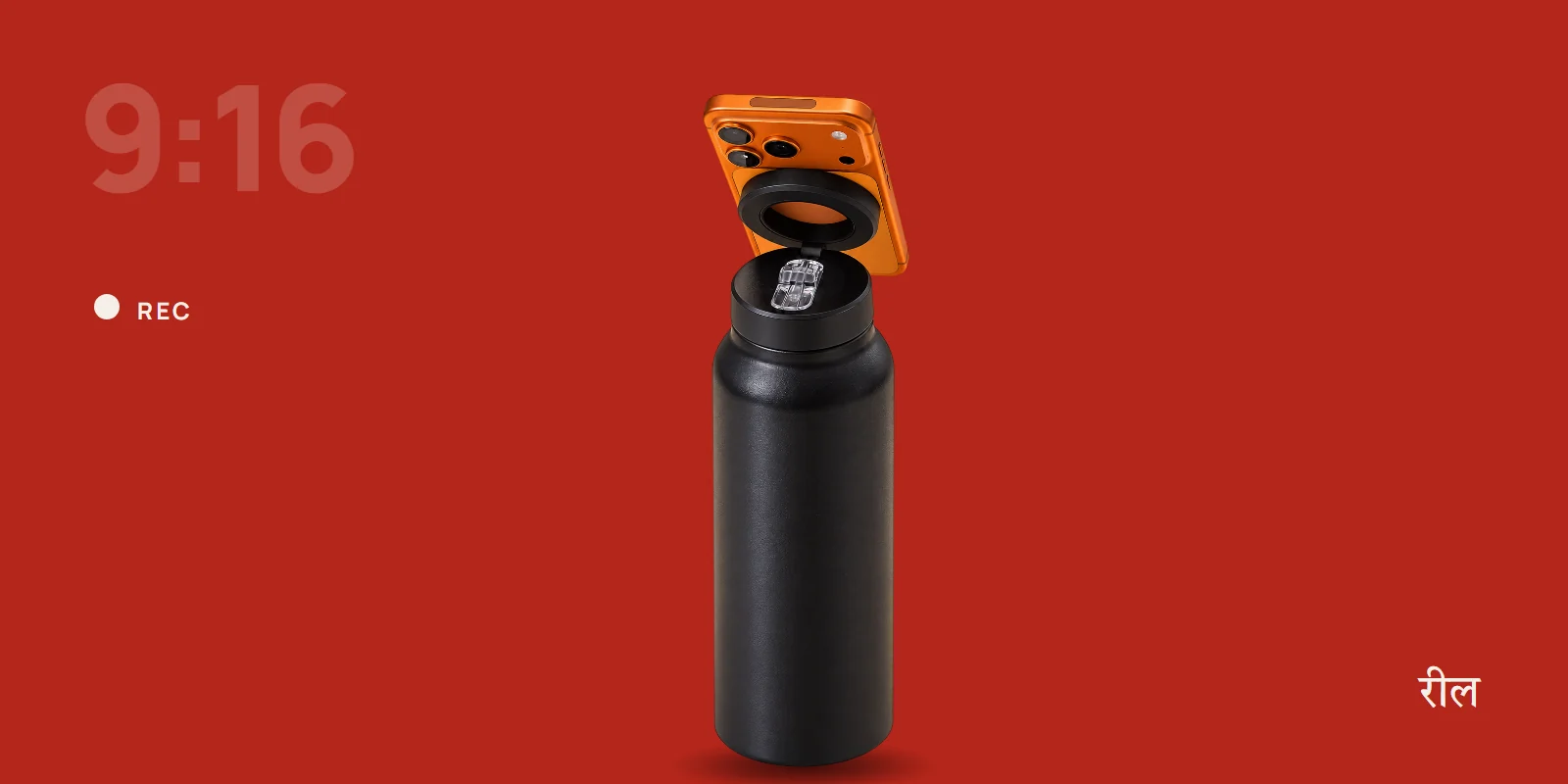
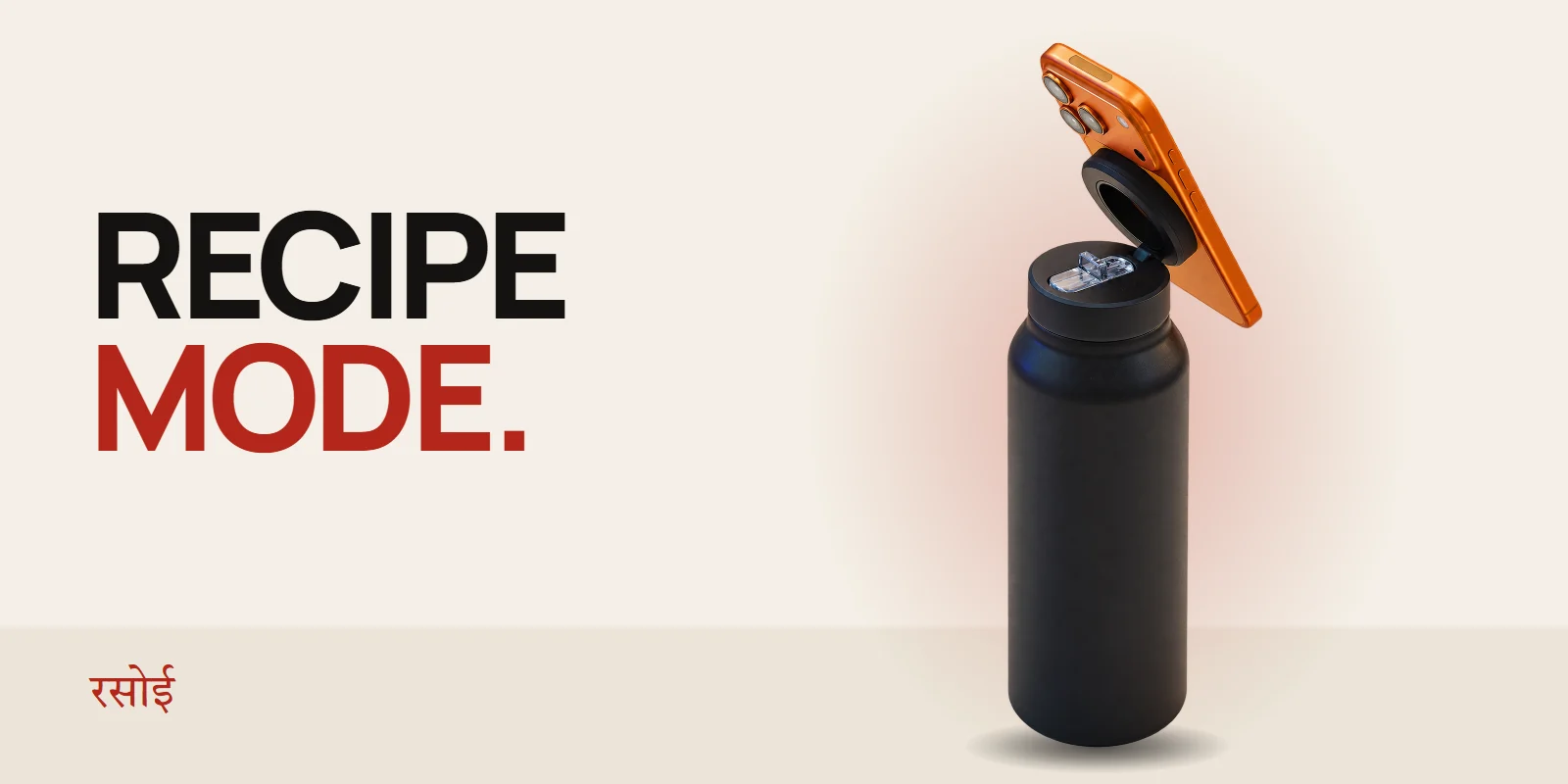
Tilted back a little. A slight tilt points the screen at your eyes when you are standing at the counter. On the illegalsoup bottle, flip the magnetic ring up, snap the phone on and lean it back on the 180° hinge until the screen faces you.
Within reading distance. Roughly an arm's length works for most recipe videos. Any closer and it is in the splash zone. Any further and you cannot read the ingredient list on screen.
Away from heat and water. Put it at the far end of the counter from the stove and the sink. Apple, for example, rates iPhones to work in surroundings between 0 °C and 35 °C. The air right beside a burner is hotter than that, and steam is moisture you do not want in the speaker grills.
Portrait or landscape?
- Landscape for YouTube recipe videos. They are shot wide, and the video fills the screen.
- Portrait for Reels and Shorts recipes, written recipes and blogs, because you can see more steps without scrolling.
On a bottle mount you can switch between the two by turning the phone on the magnet. No clamps to undo.
Settings that save the screen
Stop the screen locking
The screen locking halfway through a step is the number one reason people touch their phone with dirty hands.
- iPhone: Settings > Display & Brightness > Auto-Lock > Never. Set it back afterwards to save battery.
- Android: Settings > Display > Screen timeout, and choose the longest option. Many Android phones also have "Screen attention" or "Keep screen on while viewing", which keeps it awake while you look at it.
Use your voice
Both phones can pause, play and scroll without a touch.
- "Hey Siri, pause" or "Hey Google, pause" stops the video.
- Ask the assistant to set a timer: "set a timer for 12 minutes" means you will not have to leave the recipe app.
Slow it down
YouTube lets you play a video at 0.75× from the settings menu. Slower playback makes fast-cut recipe videos much easier to follow while you chop.
Download before you start
Kitchen Wi-Fi is often the weakest in the house. If you use YouTube Premium, download the video. If you do not, let it load fully before you start, and screenshot the ingredient list.
Keep it clean
- Wash and dry your hands before you touch it. A paper towel next to the phone is the easiest habit to build.
- Wipe it afterwards with a slightly damp microfibre cloth, then a dry one. Avoid spraying cleaner on the phone.
- Use the knuckle trick. In a hurry, tap play or pause with a clean knuckle rather than a greasy fingertip.
Why a bottle works in the kitchen
A recipe stand is one more thing on the counter. A bottle is already there, because you need water when you cook in an Indian summer kitchen anyway. The illegalsoup bottle is heavy enough at the base to stand steady, the magnetic ring holds the phone at whatever angle you set, and the straw folds down and locks, so knocking it over does not soak the counter. If you want the comparison with other stands, read phone tripod, phone stand or MagSafe bottle.
A nearly empty bottle is lighter, so keep it away from the edge of the counter while the phone is mounted.
Quick answers
Will steam damage my phone? Occasional light steam is unlikely to hurt it, but regular exposure right over a pressure cooker or a boiling pot is not a good idea. Keep it a step away from the stove.
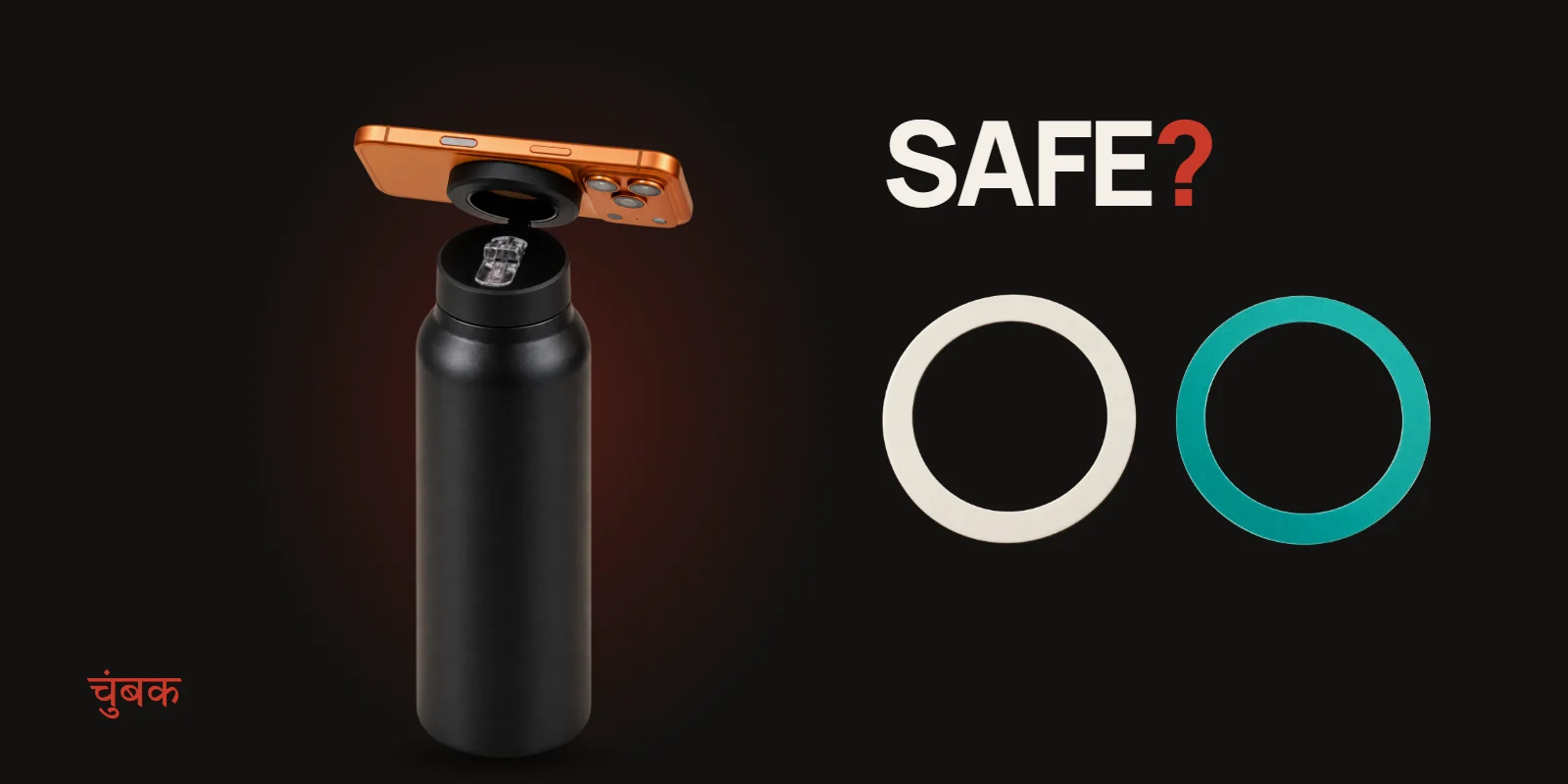
Does it work with an Android phone? Yes. Stick the booster ring from the box on your phone or case and it snaps on like an iPhone. See how the booster ring works.
Can I film my own cooking with this setup? Yes. Turn the phone to face the counter, set it a little higher on the hinge and record. Our gym filming guide covers framing tips that work in the kitchen too.
Ready to free up the counter? See the bottle.