To film yourself for Reels with nobody behind the camera you need four things: the phone steady in portrait at chest-to-eye height, light on your face, sound close to you, and a countdown so you can get into position. Get those right and an ordinary phone shoots a Reel that looks deliberate.
Here is a setup that fits in a bag, and the settings that make it work.
Key takeaways
- Shoot vertical (9:16) on the rear camera if you can. It is sharper than the selfie camera.
- Put the camera at eye level or slightly above, about 1.5 to 2 metres away for full-body shots.
- Face a window. Window light beats any cheap ring light.
- Use the timer in the Instagram camera so you start every take ready, not walking into frame.
1. Get the phone steady, upright and at the right height
Portrait, always. Reels and Shorts are vertical (9:16). Filming in landscape and cropping later loses most of the picture.
Height matters more than anything. A camera looking up from the floor is unflattering for talking-to-camera videos. Put the phone on a table, shelf or bench so the lens is roughly at eye level for talking clips, and around chest height for full-body clips like workouts or outfits.
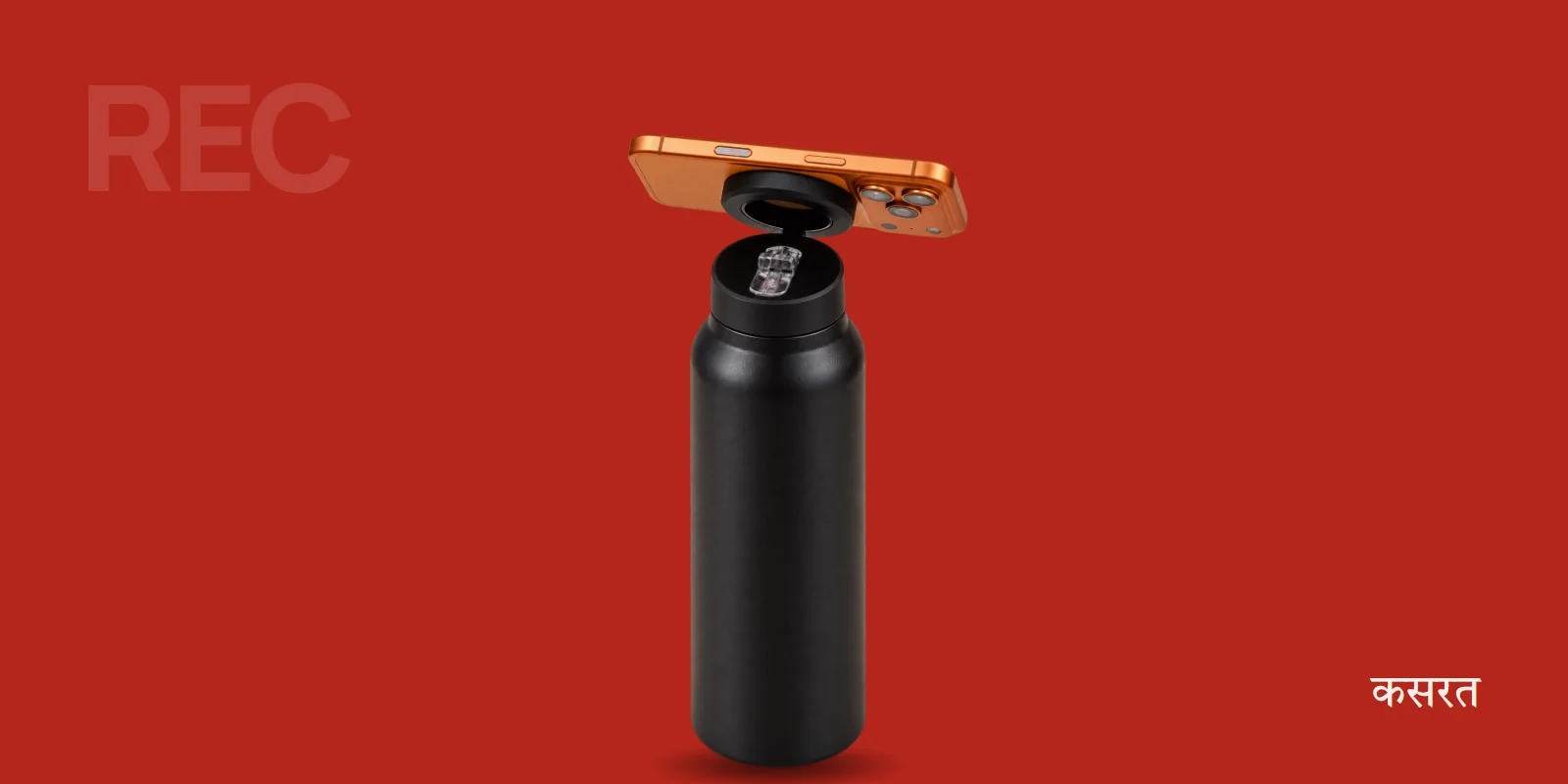
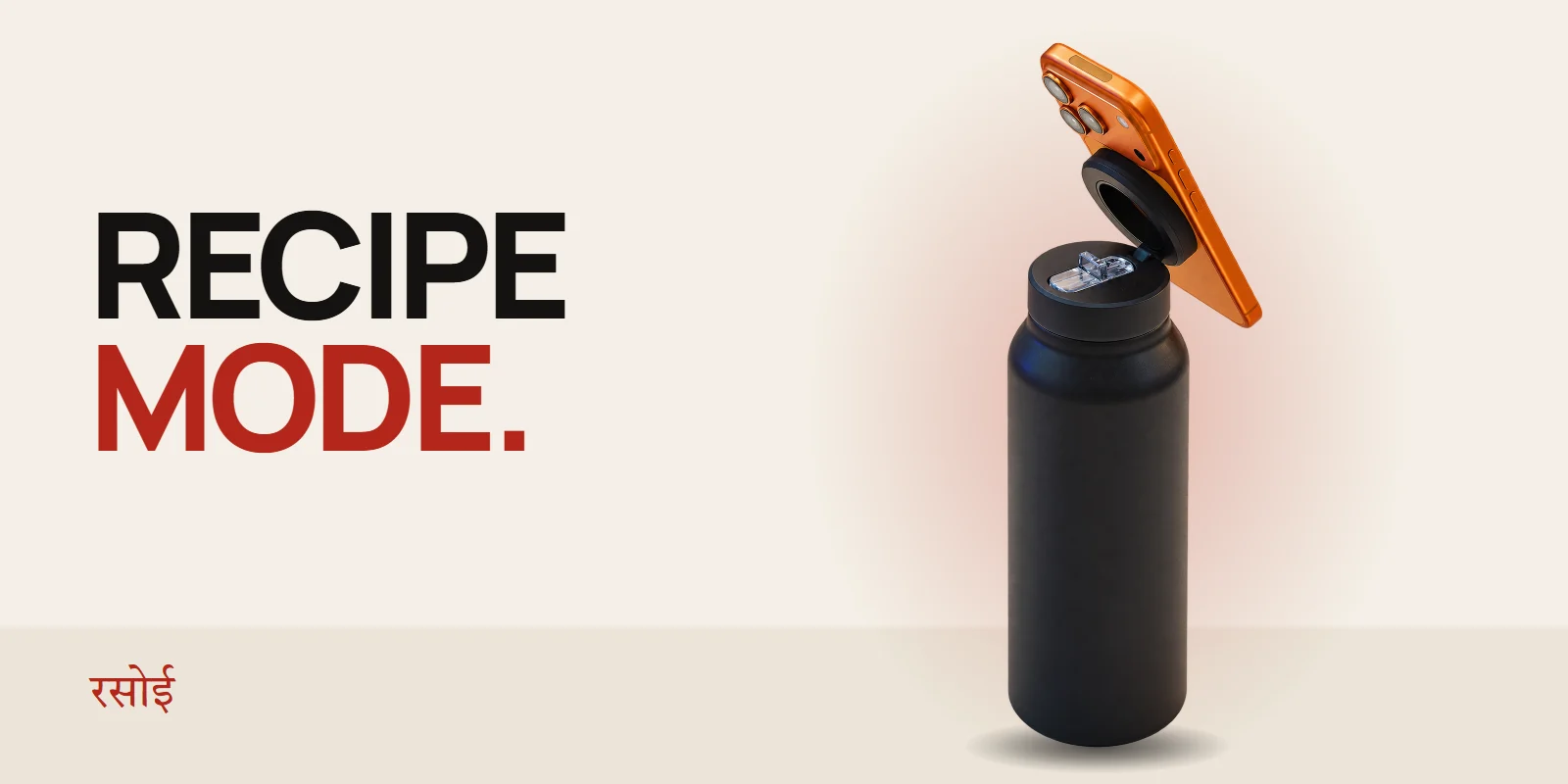
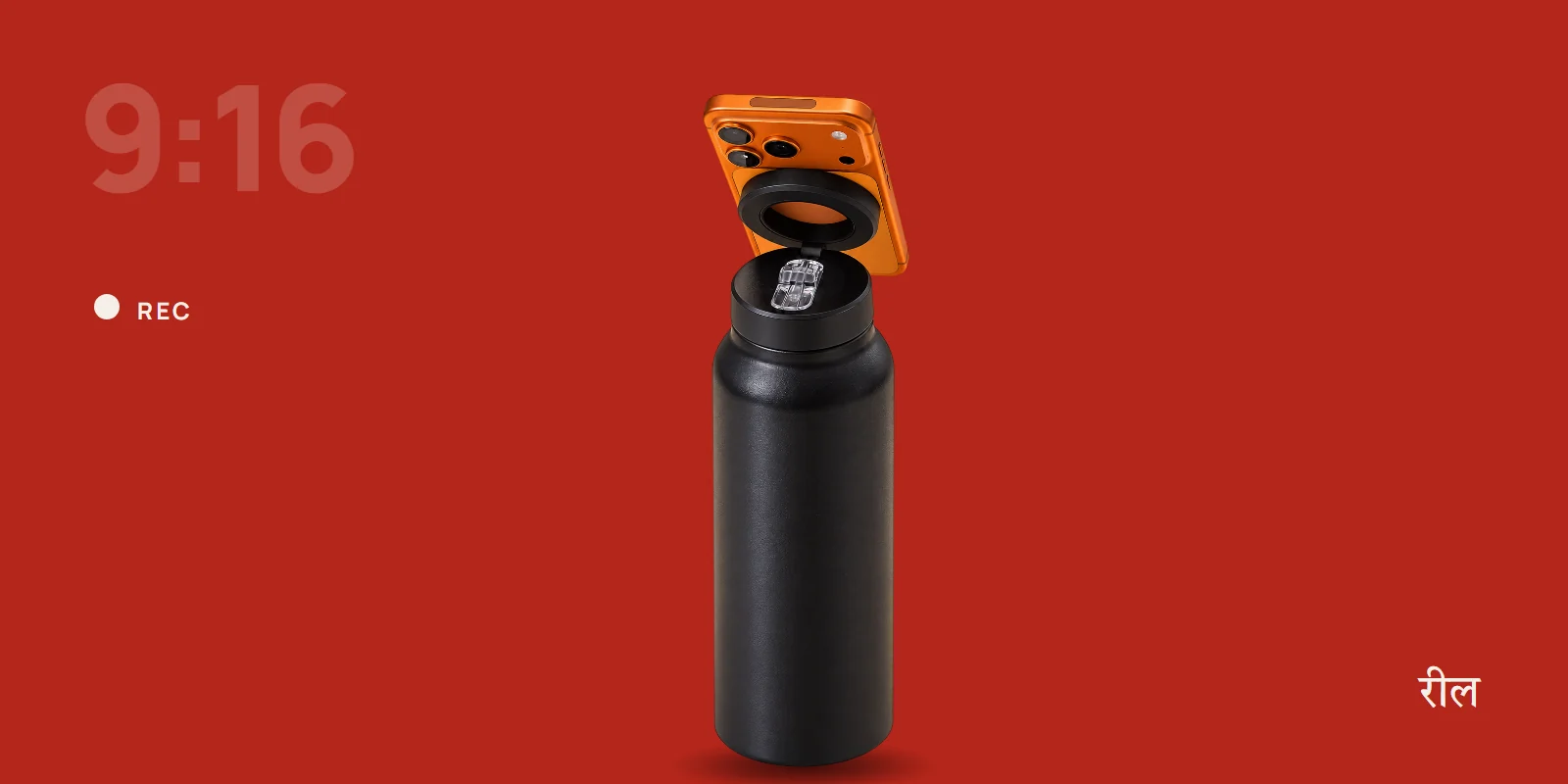
A bottle mount gets you there without a tripod. Flip the ring on the illegalsoup bottle up, snap the phone on in portrait, and stand the bottle on any table or step. Use the 180° hinge to tilt the lens up or down until your head sits in the top third of the frame.
2. Use the rear camera when it matters
The main rear camera on almost every phone is better than the front camera: sharper, better in low light and with a wider choice of lenses. The catch is that you cannot see yourself.
Two ways round it:
- Frame first, then shoot blind. Set the shot with the front camera, note where your feet and head need to be, then flip to the rear camera and record.
- Use a second screen. Some phones can mirror to a watch or a laptop. Not necessary, but handy if you shoot a lot.
For quick talking clips the front camera is fine. For anything you will post as your best work, use the rear one.
3. Light your face, not the wall
Stand facing a window, with the phone between you and the window. Soft daylight on your face is the single biggest quality jump you can make for free.
Avoid standing with a window behind you. The phone exposes for the bright window and turns you into a silhouette. Evening shoot? Put a lamp in front of you, slightly to one side, and switch off the overhead light.
4. Get the sound close
Viewers forgive soft video. They swipe away from bad sound.
- Film in a small room with soft things in it: curtains, a bed, a sofa. Bare rooms echo.
- Keep the phone within two metres if you are using its built-in mic.
- For talking videos, a clip-on wireless mic is the best upgrade you can buy after the mount.
5. Use the timer and hands-free recording
Inside the Instagram camera, open Reels and set the timer. You get a countdown before recording starts and a set recording length, so you can tap, walk back into position and be ready.
On the phone's own camera app, the self-timer does the same for single takes. Many Android phones also offer gesture or voice shutter ("show your palm" or "say cheese") in camera settings, which helps when the phone is a few metres away.
6. Shoot more takes than you think
Film each part two or three times. It is faster to pick the best take than to re-set up later. Keep each clip short: Reels are edited from several short clips, not one long one.
A simple kit list
- Your phone
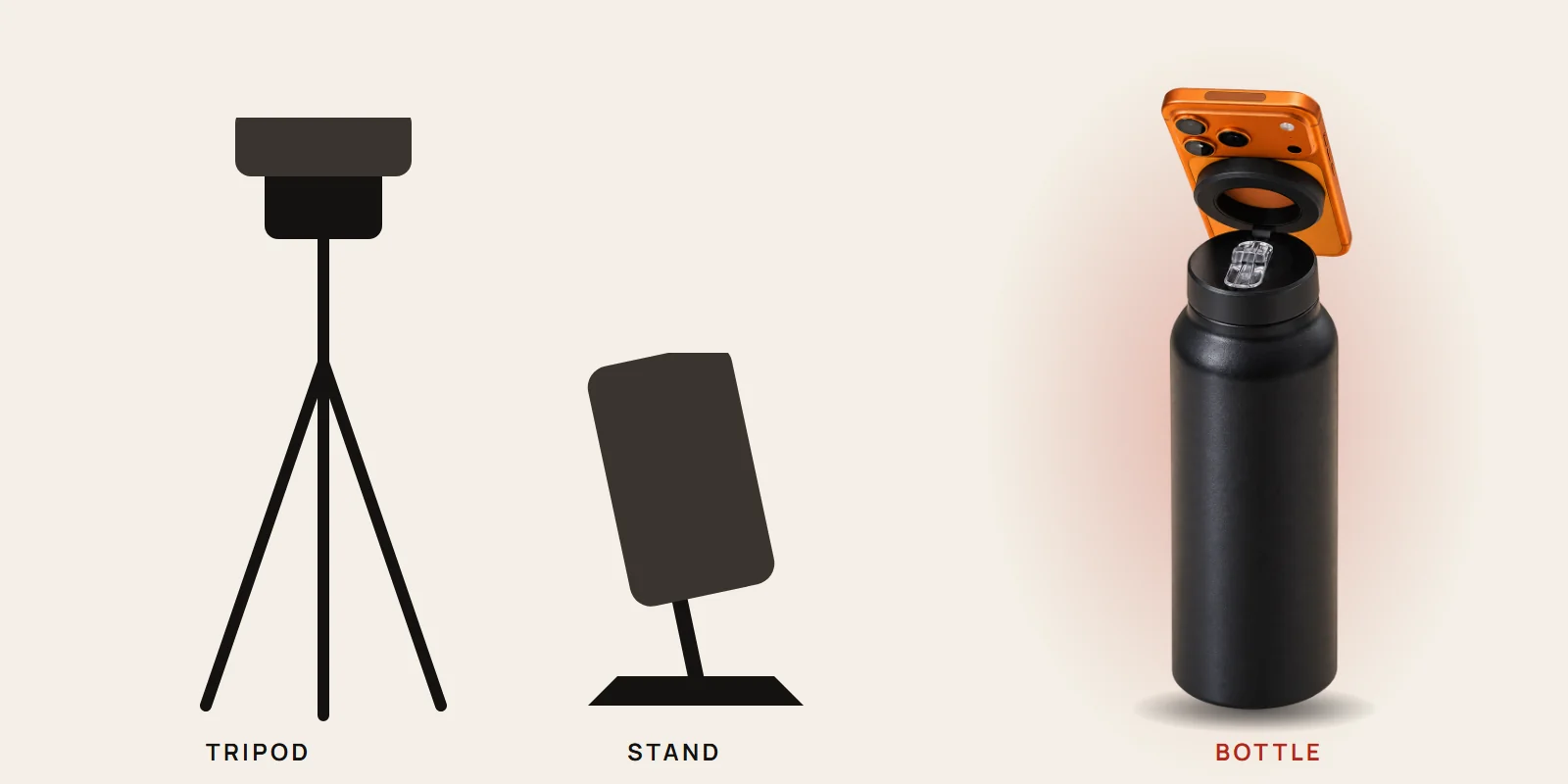
- Something that holds it upright and still at the right height: a tripod, a stand, or a MagSafe bottle that doubles as one
- A window, or one lamp
- Optional: a clip-on mic
That is it. Not sure whether to carry a tripod or a bottle? We compared tripod vs stand vs MagSafe bottle honestly, including where the bottle loses.
Quick answers
Will the phone fall if I bump the table? Magnets hold the phone firmly, but a bump can knock a nearly empty bottle over. Keep it away from table edges.
Can I film in landscape for YouTube with the same setup? Yes. Turn the phone on the magnet to landscape. The hinge keeps the angle you set.
Does it work with Android phones? Yes, with the booster ring from the box. Here is how the booster ring works.
What about gym videos? Different angles matter for squats and deadlifts. See how to film gym workouts without a tripod.